Obtaining Credentials
To obtain the necessary credentials for accessing the Sodot JFrog Artifactory repository, follow these steps:
-
Enter using this link: https://repo.sodot.dev/
-
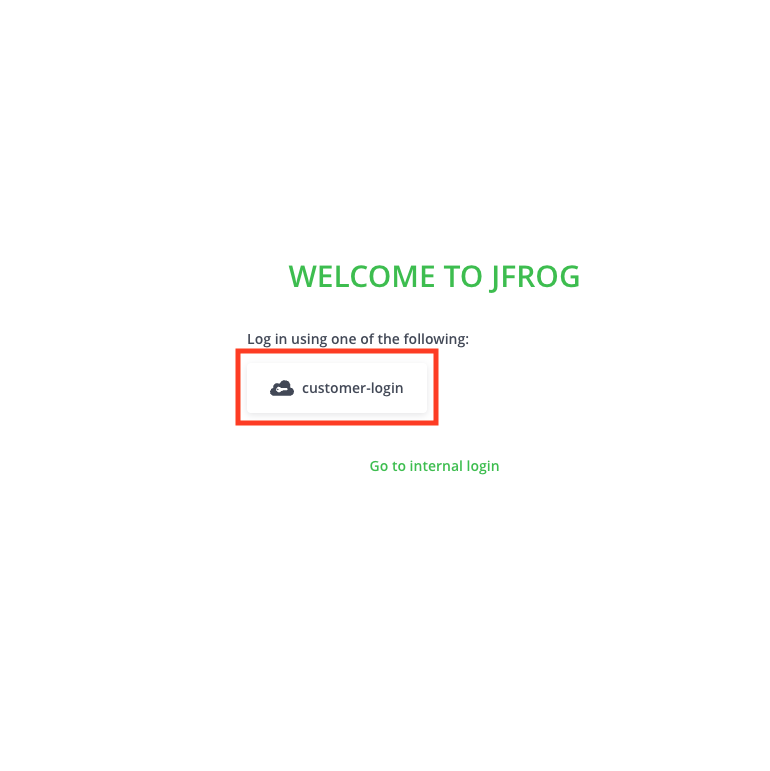
Sign in using the sodot-auth option
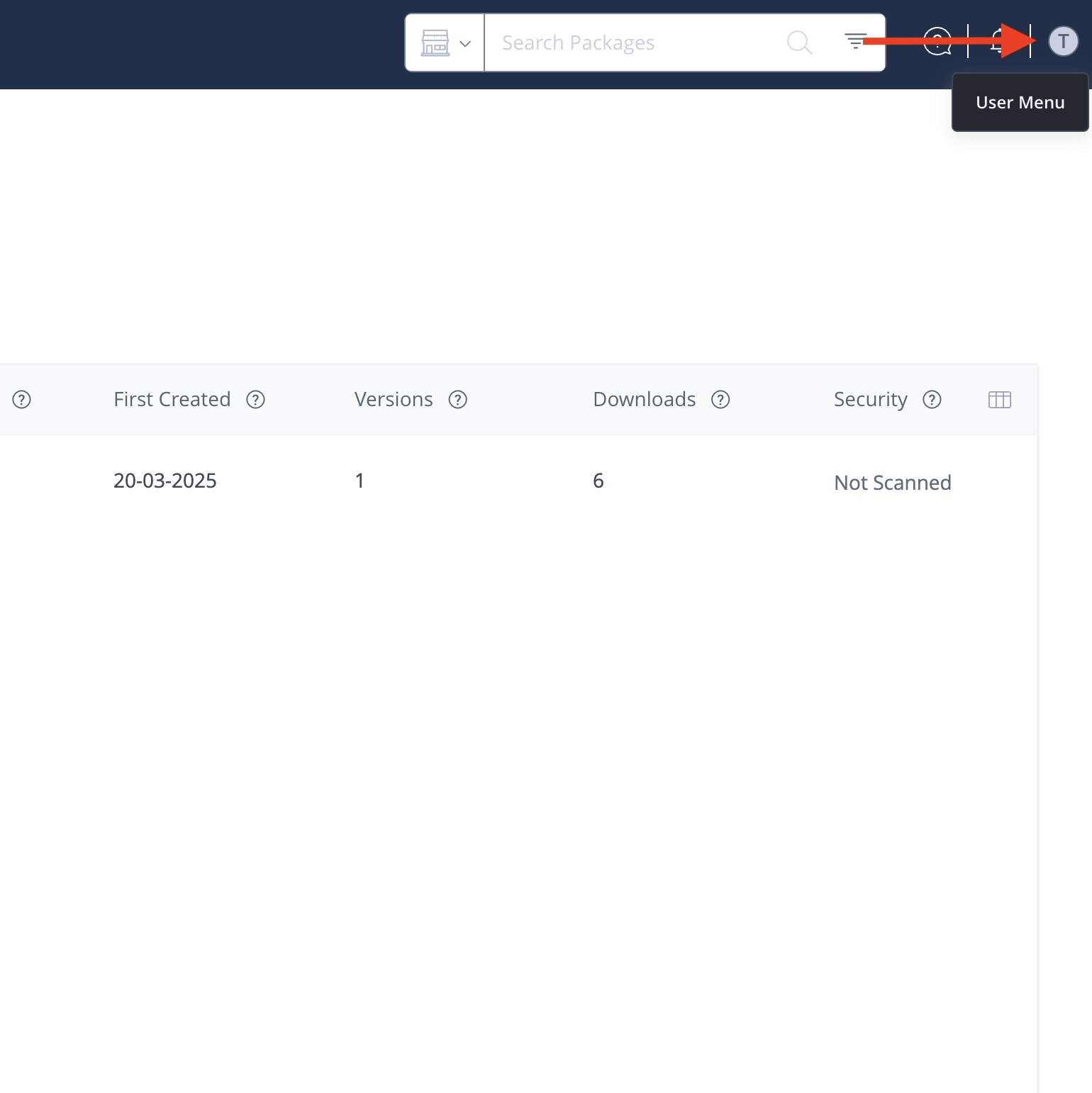
- Once logged in, navigate to the user menu in the top right corner of the screen and locate your username.
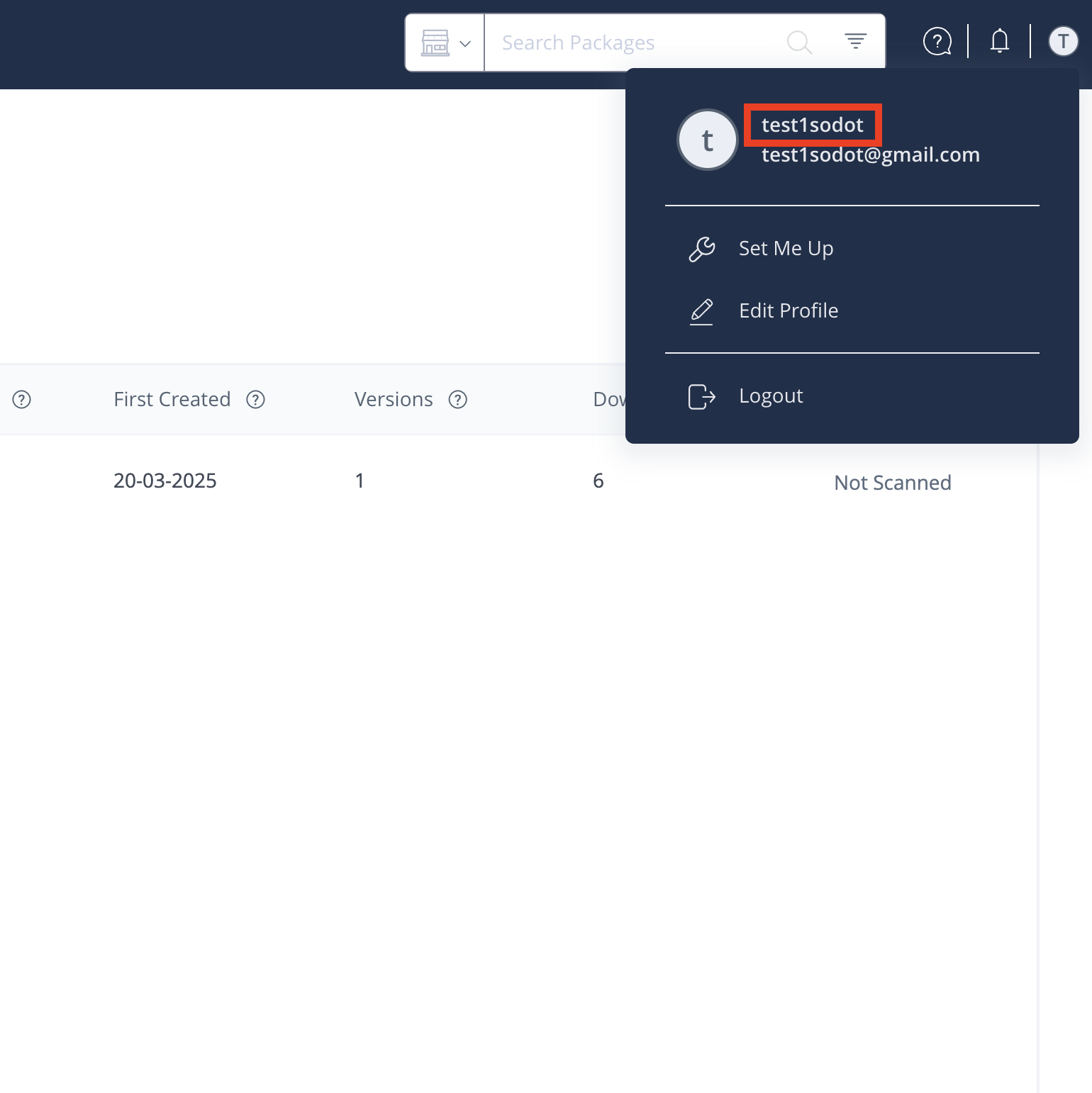
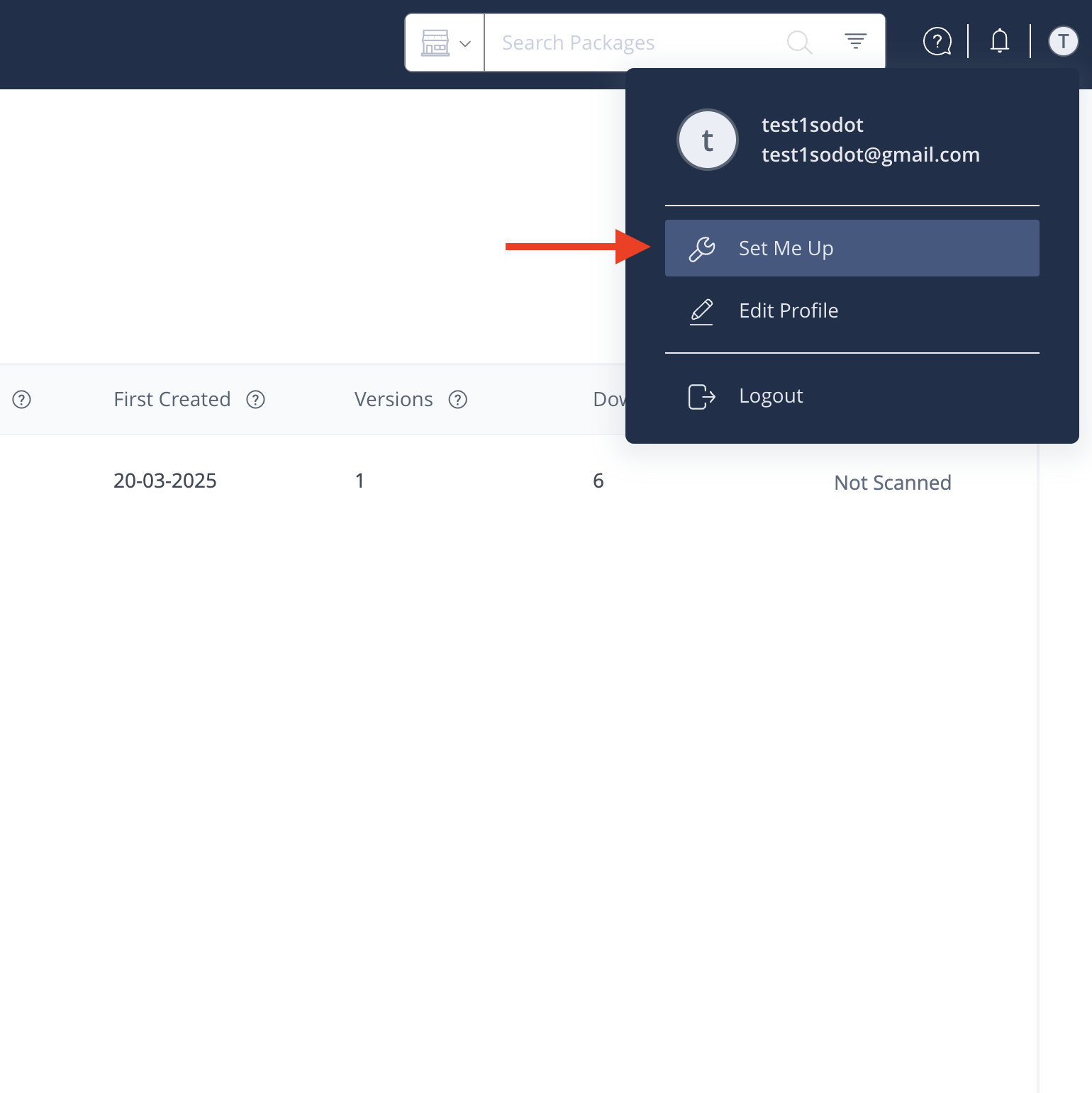
- Click on Set Me Up → Swift → Select the sodot-swift-sdk repository.
- Click the "Generate Token & Create Instructions" button.
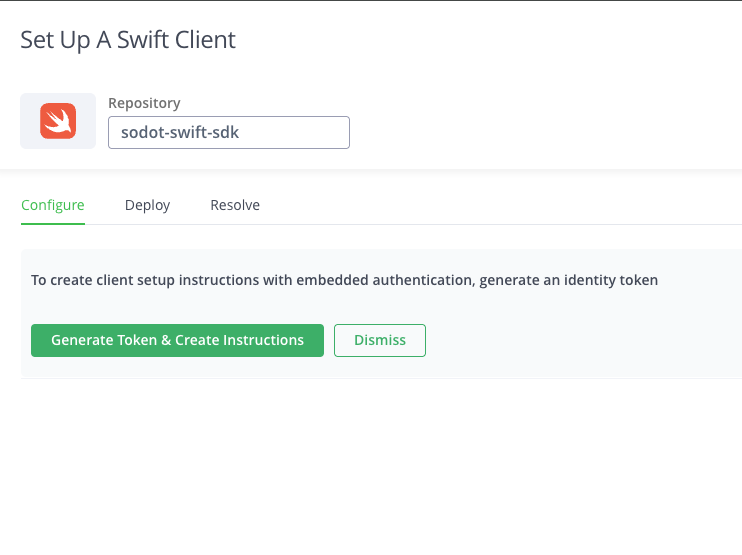
- Follow the steps under the "Configure" section. Additionally, login to the registry via the CLI using:
swift package-registry login https://repo.sodot.dev/artifactory/api/swift/sodot-swift-sdk
with your configured access token.
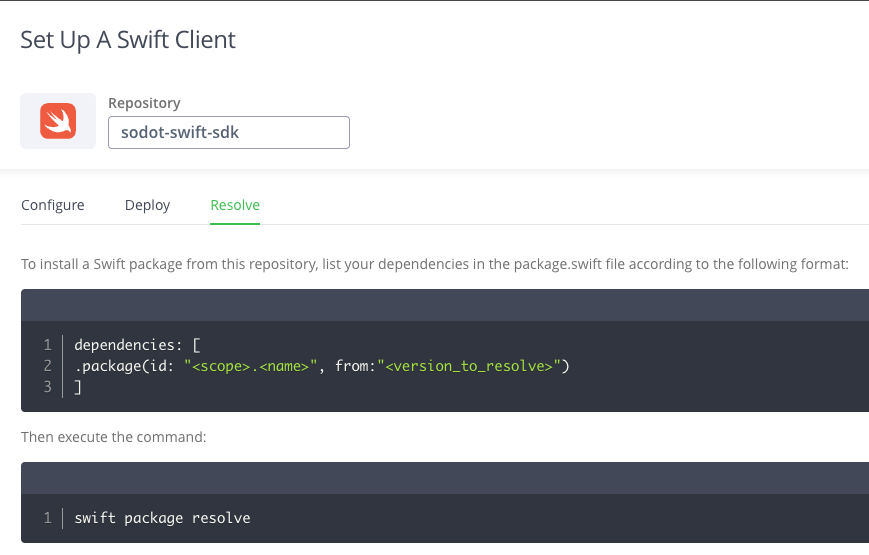
- To resolve your dependencies, follow the steps under the "Resolve" section. For a more in depth installation guide, refer to the Installation section.
note
The token is valid for one year. Make sure to regenerate it before it expires to avoid service disruptions.
For any further questions, contact the Sodot team.