# Obtaining Credentials
To obtain the necessary credentials for accessing the Sodot Rust SDK crate, follow these steps:
1. Enter using this link: https://repo.sodot.dev/
You can browse the private crates repository directly at: [https://repo.sodot.dev/artifactory/sodot-rust-crates/](https://repo.sodot.dev/artifactory/sodot-rust-crates/)
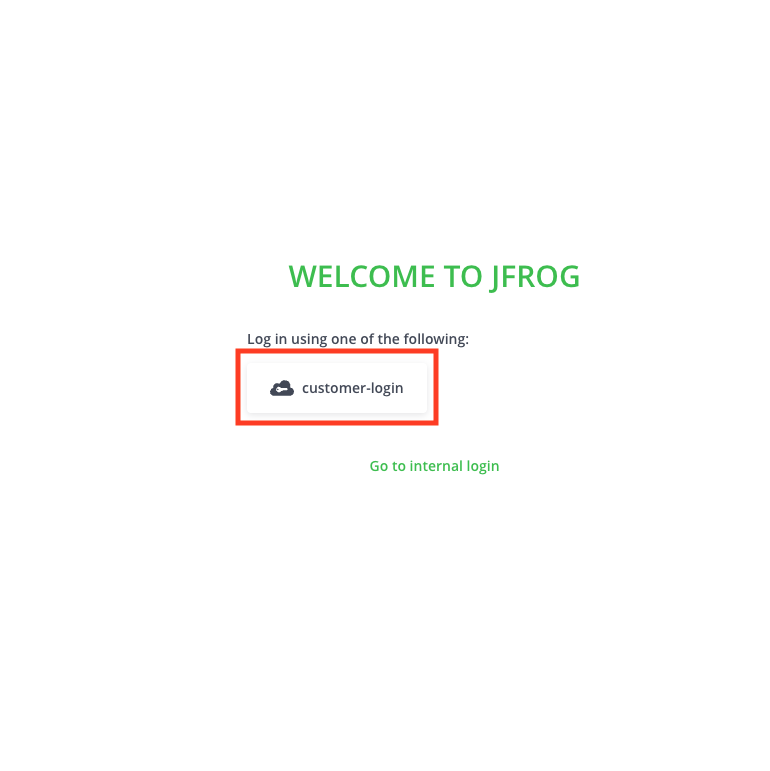
2. Sign in using the **sodot-auth** option
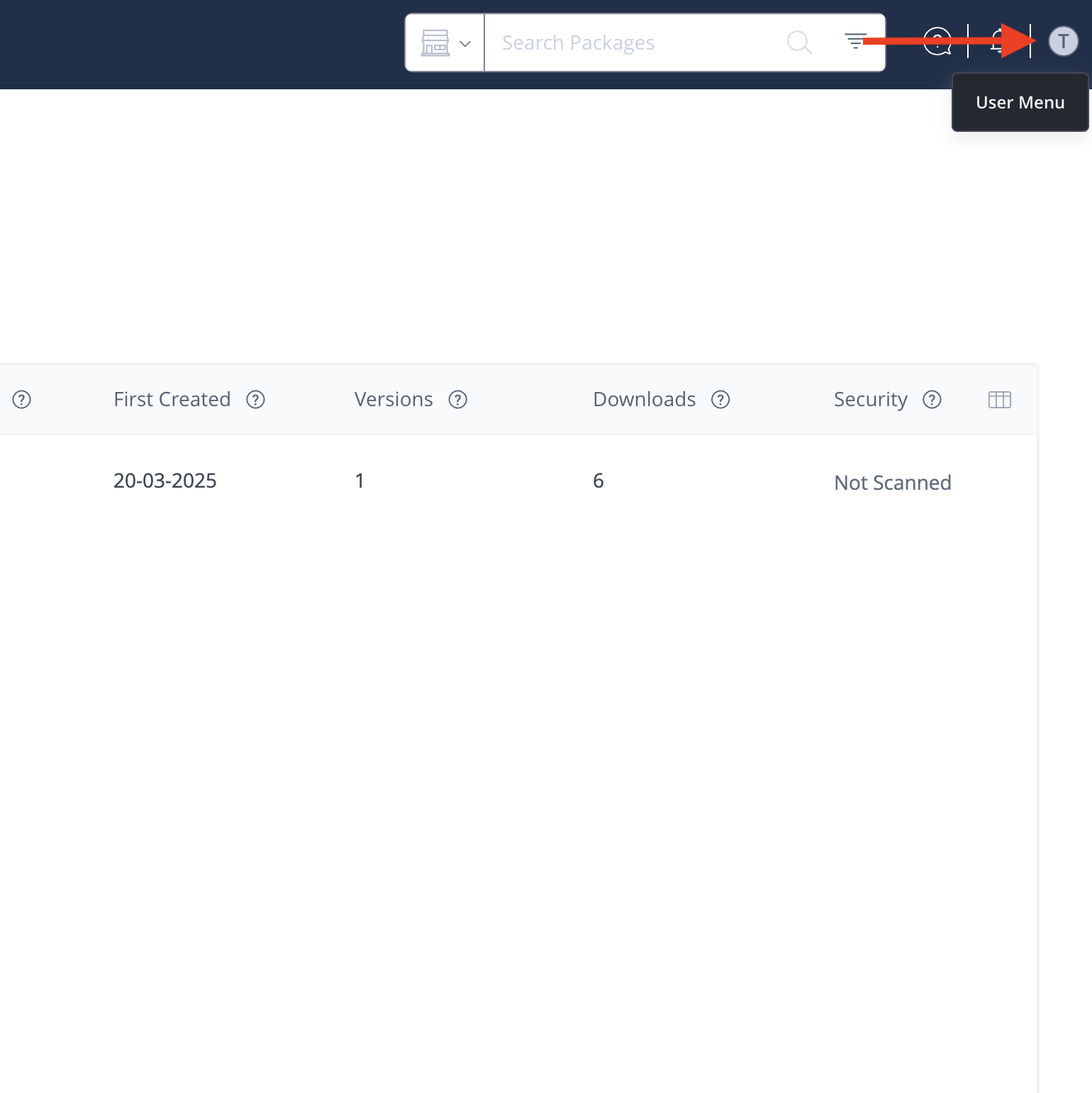
 3. Once logged in, navigate to the user menu in the top right corner of the screen and locate your **username**.
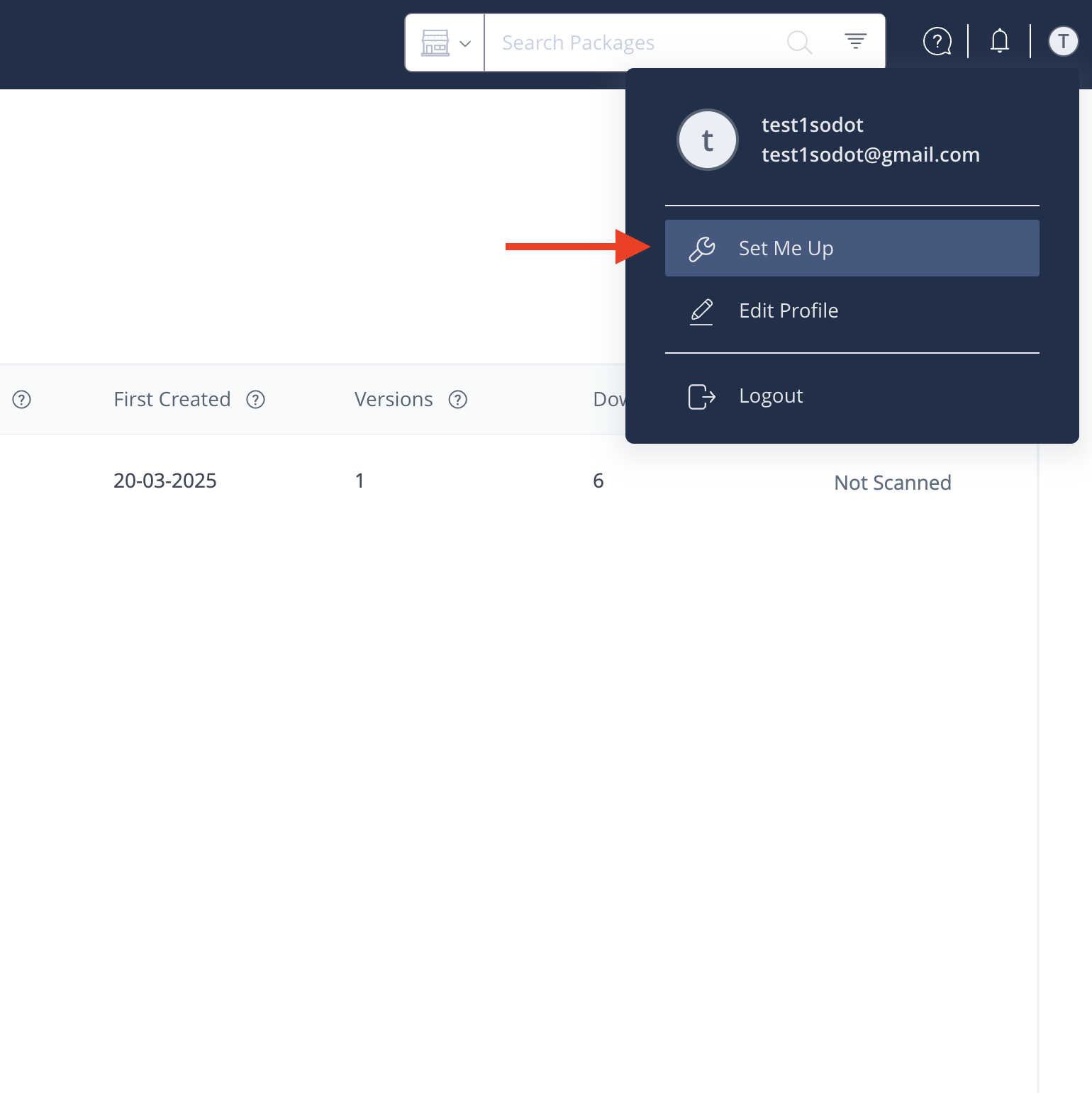
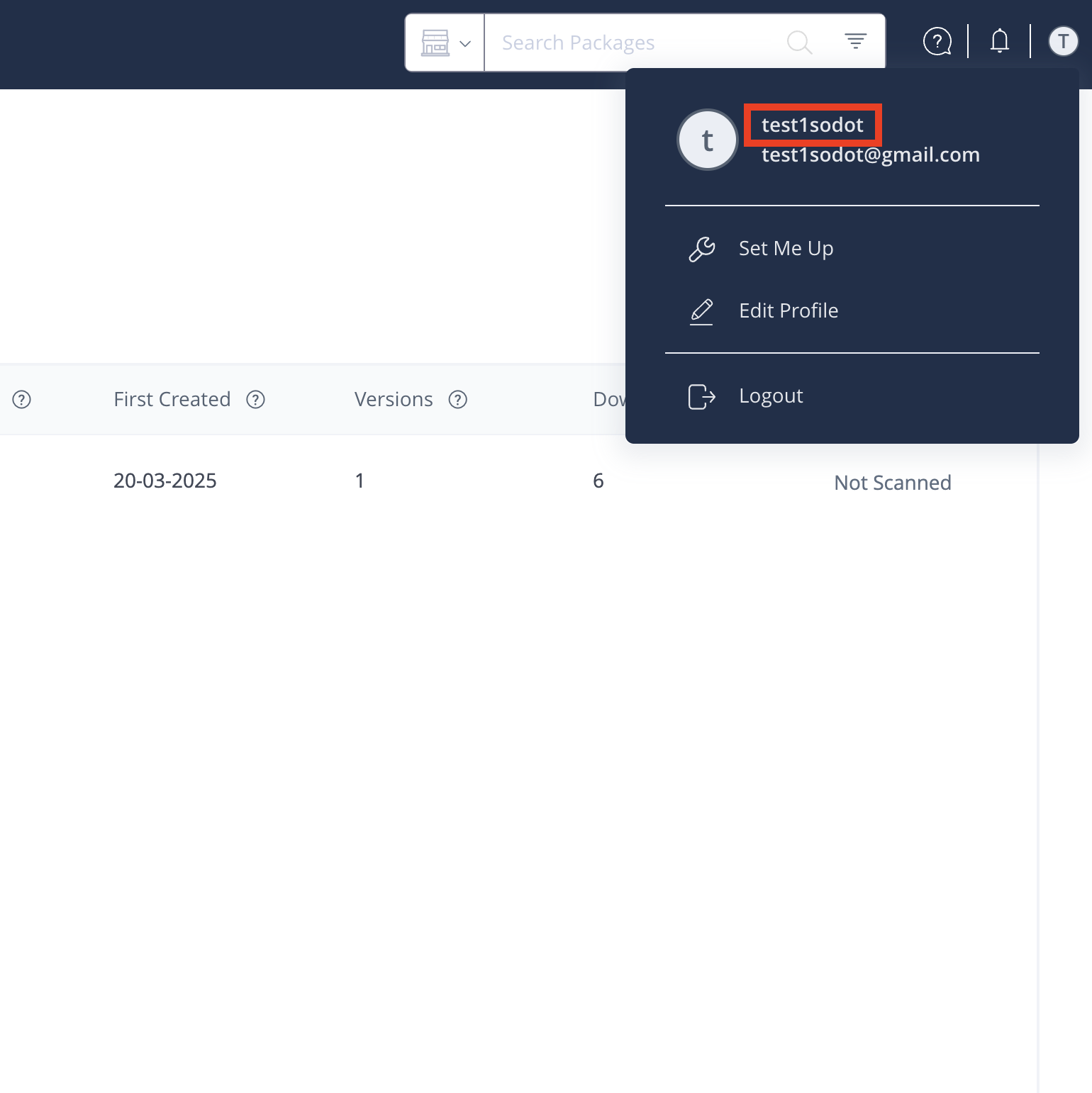 4. Click on **Set Me Up** → **Cargo** → Select the **sodot-rust-repo** repository.
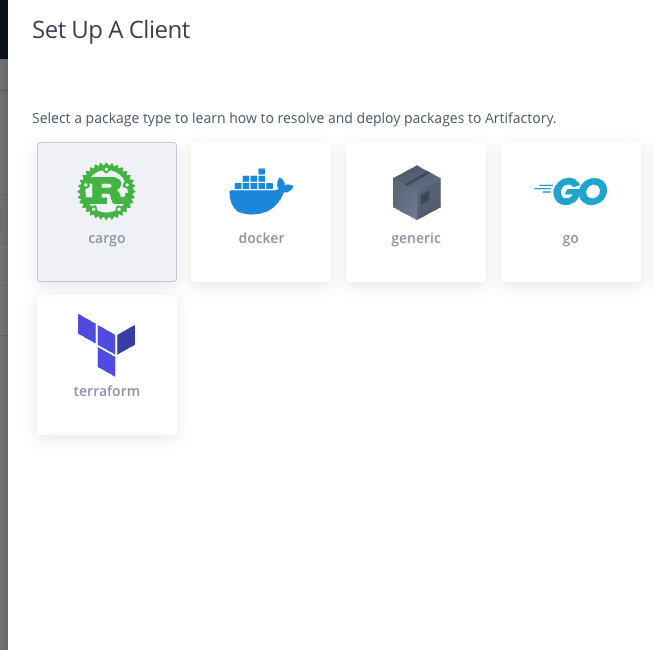
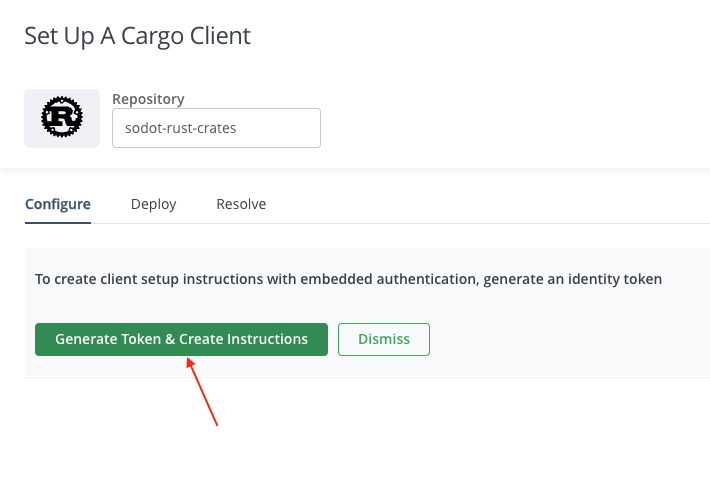
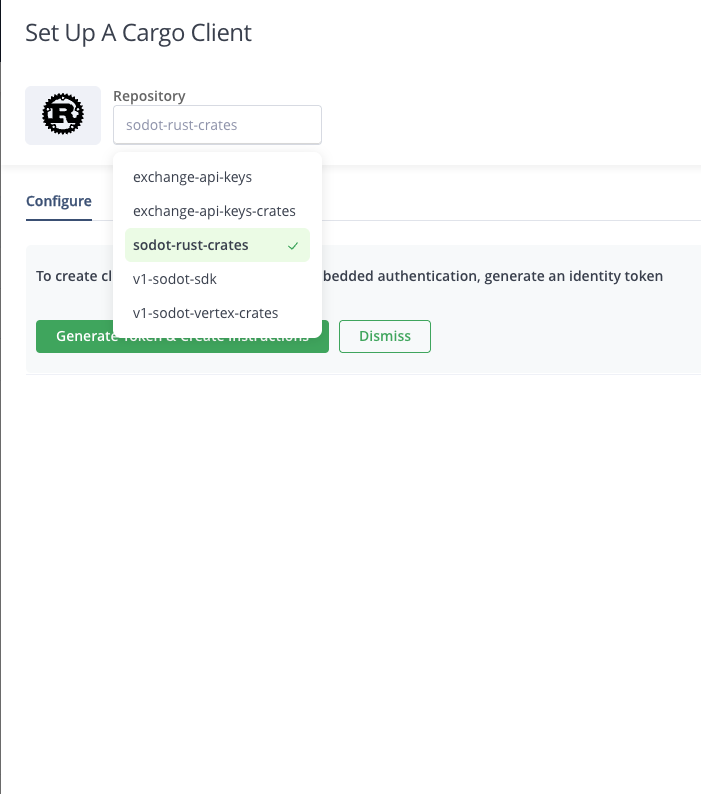 5. Click the "Generate Token & Create Instructions" button.
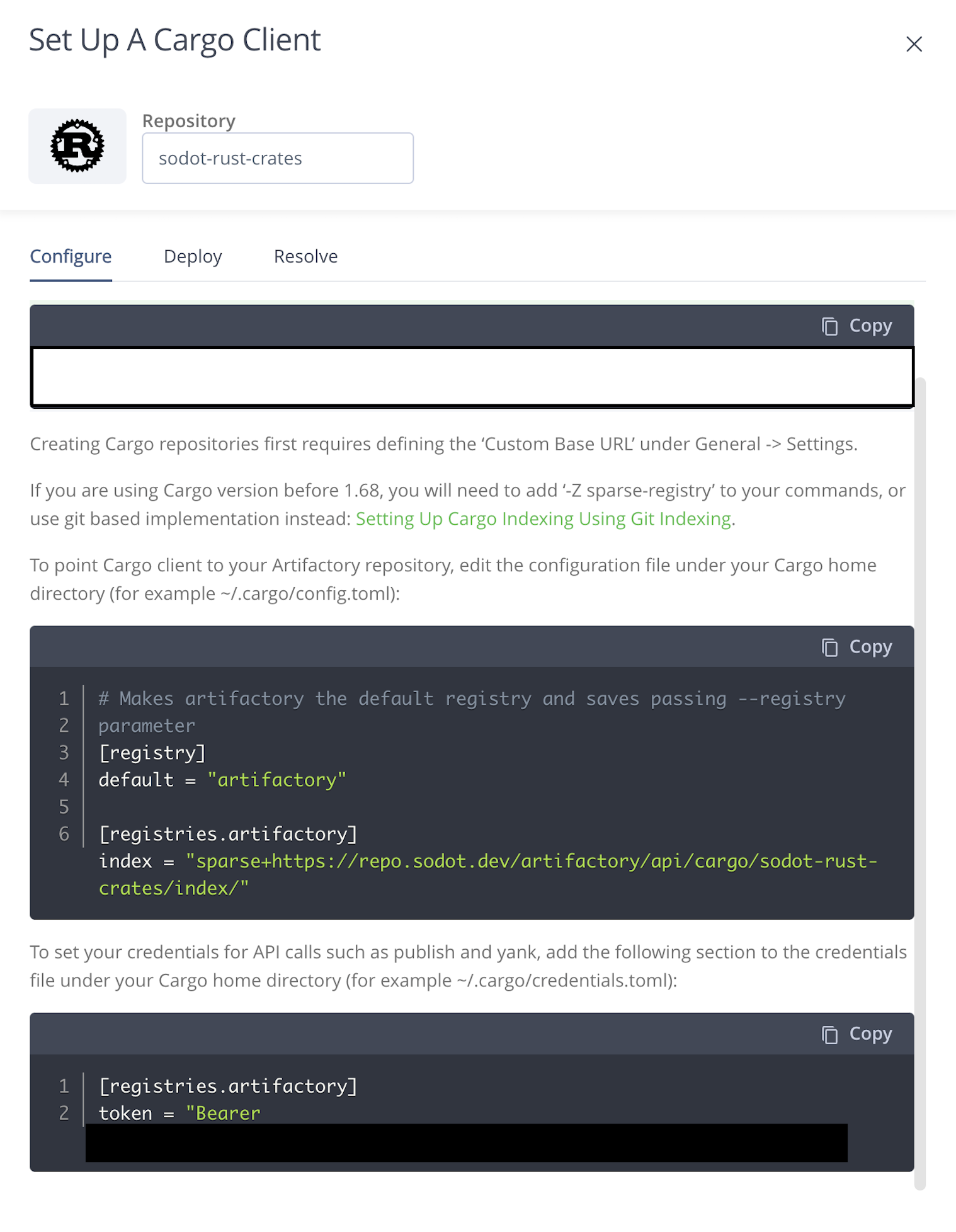
 6. Add the following registry configuration to your project's `.cargo/config.toml` file (create one if it doesn't exist):
```toml
[registries.sodot]
index = "sparse+https://repo.sodot.dev/artifactory/api/cargo/sodot-rust-crates/index/"
```
And copy the generated token from the UI (including the `Bearer ` prefix).
Run the following command to add the token to your `.cargo/config.toml` file:
```bash
cargo login --registry sodot
# Input the full token when requested (`Bearer xxxx`)
```
This will add the token to your local credentials store.
6. Add the following registry configuration to your project's `.cargo/config.toml` file (create one if it doesn't exist):
```toml
[registries.sodot]
index = "sparse+https://repo.sodot.dev/artifactory/api/cargo/sodot-rust-crates/index/"
```
And copy the generated token from the UI (including the `Bearer ` prefix).
Run the following command to add the token to your `.cargo/config.toml` file:
```bash
cargo login --registry sodot
# Input the full token when requested (`Bearer xxxx`)
```
This will add the token to your local credentials store.
 :::note
The token is valid for **one year**. Make sure to regenerate it before it expires to avoid service disruptions.
:::
For any further questions, contact the [Sodot team](mailto\:sdk@sodot.dev).
:::note
The token is valid for **one year**. Make sure to regenerate it before it expires to avoid service disruptions.
:::
For any further questions, contact the [Sodot team](mailto\:sdk@sodot.dev).