# Obtaining Credentials
## Docker Registry Credentials
Sodot uses JFROG Artifactory to host the Docker images for the Exchange API Vault.
To obtain a Docker registry token, follow these steps:
1. Enter using this link: https://repo.sodot.dev/
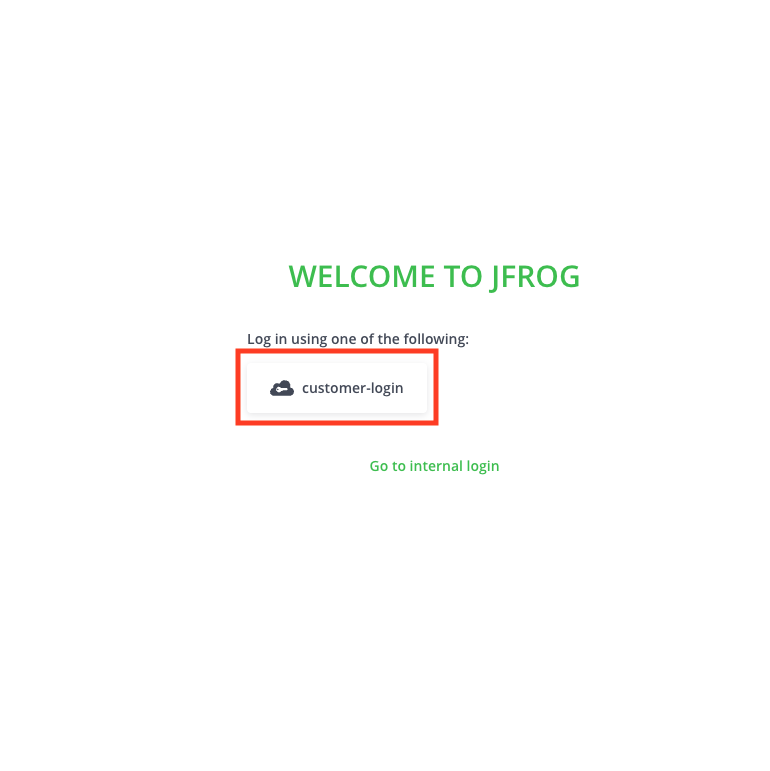
2. Sign in using the **sodot-auth** option
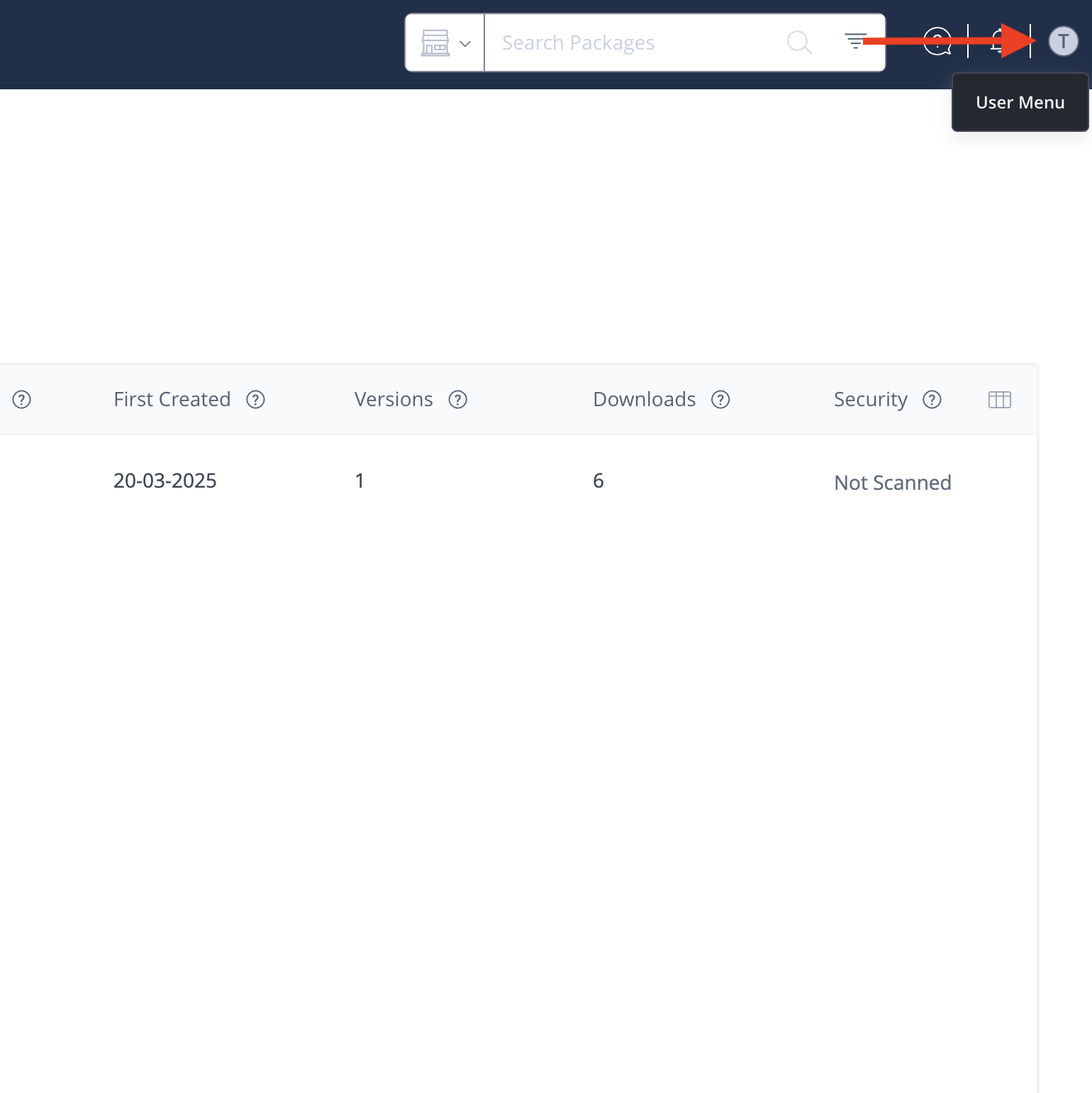
 3. Once logged in, navigate to the user menu in the top right corner of the screen and locate your **username**.
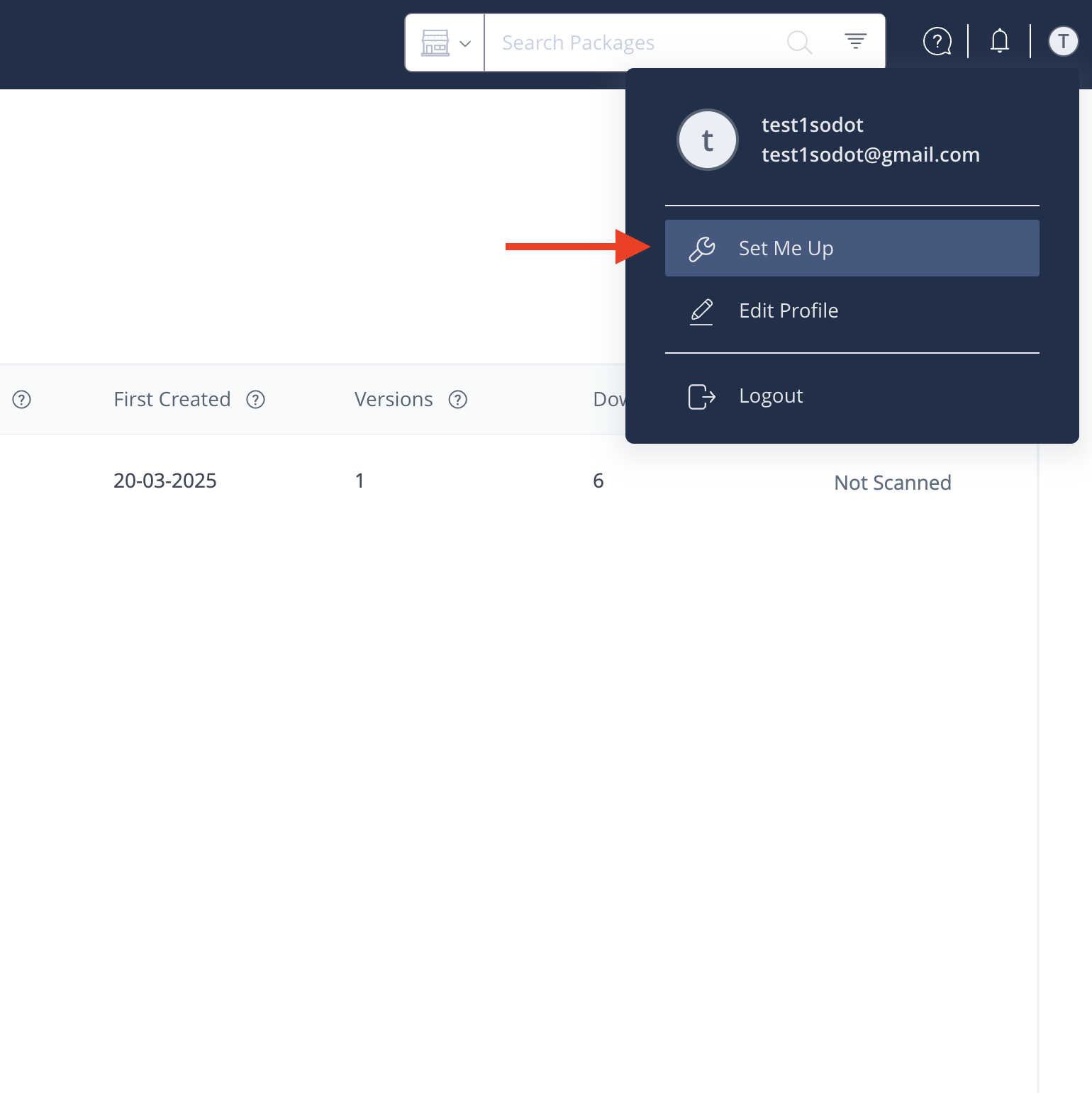
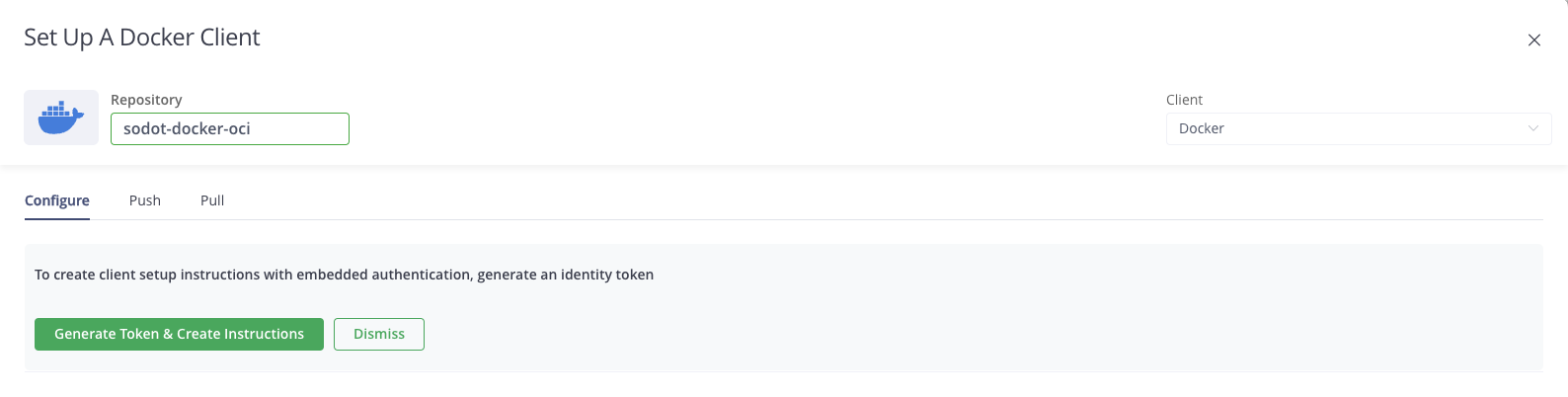
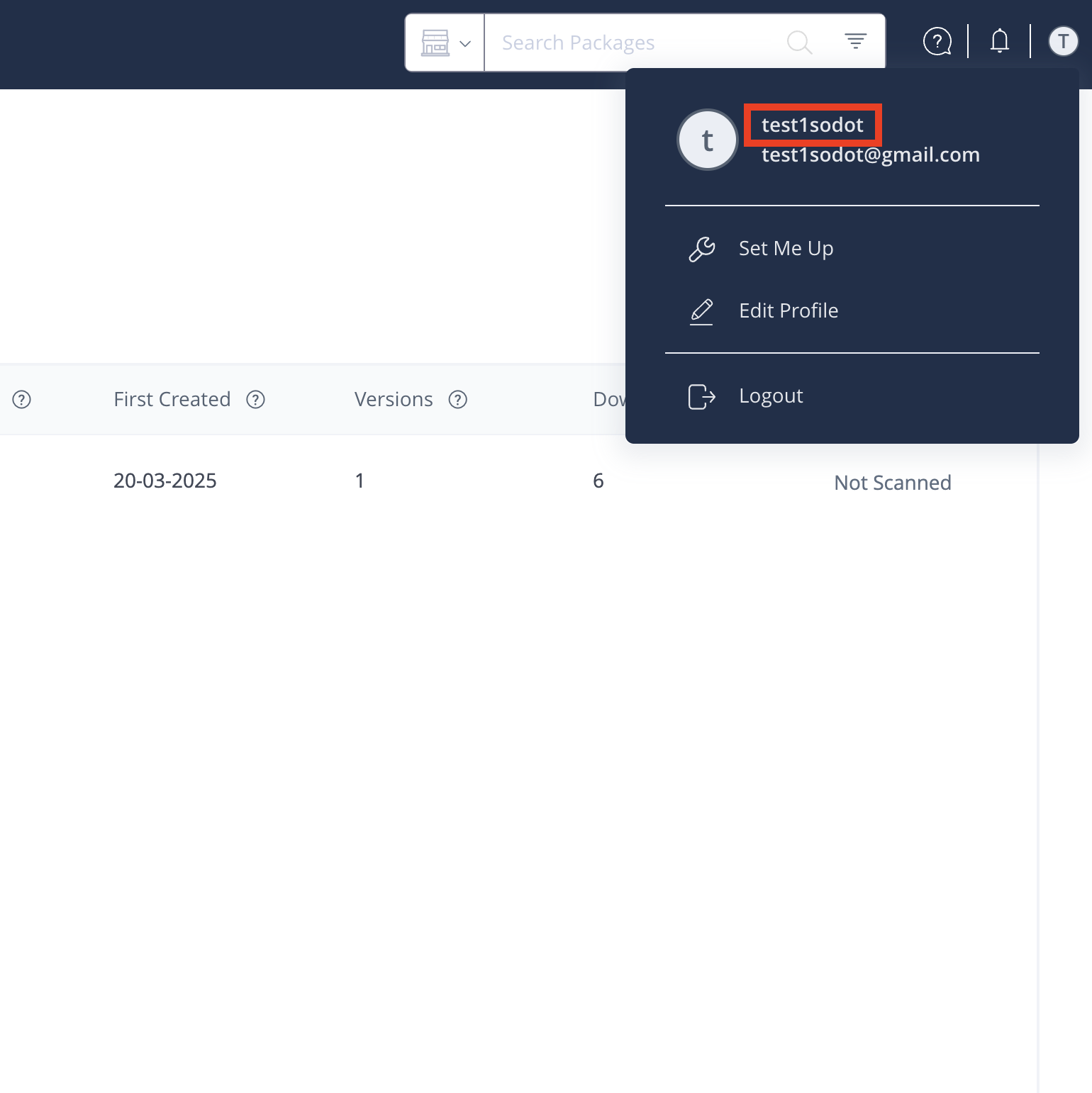 4. Click on **Set Me Up** → **Docker** → Select the **sodot-docker-oci** repository.
 5. Click the "Generate Token & Create Instructions" button.
 6. Follow the instructions to log in to the Docker registry using the generated token. The token will be used as the **password** parameter in your Docker login command.
:::note
The token is valid for **one year**. Make sure to regenerate it before it expires to avoid service disruptions.
:::
For any further questions, contact the [Sodot team](mailto\:sdk@sodot.dev).
6. Follow the instructions to log in to the Docker registry using the generated token. The token will be used as the **password** parameter in your Docker login command.
:::note
The token is valid for **one year**. Make sure to regenerate it before it expires to avoid service disruptions.
:::
For any further questions, contact the [Sodot team](mailto\:sdk@sodot.dev).